
Can I show or hide caption texts?
Whether captions are visible or hidden is completely up to you. By default, all layouts show captions, but you can disable them at any time.
How to control caption visibility
- Go to the Display tab.
- Click Add a new layout.
- Select any of the four layout options.
- Click Customize.
If you select Carousel
- Under Style, choose Cards.
- Under Elements, enable captions.
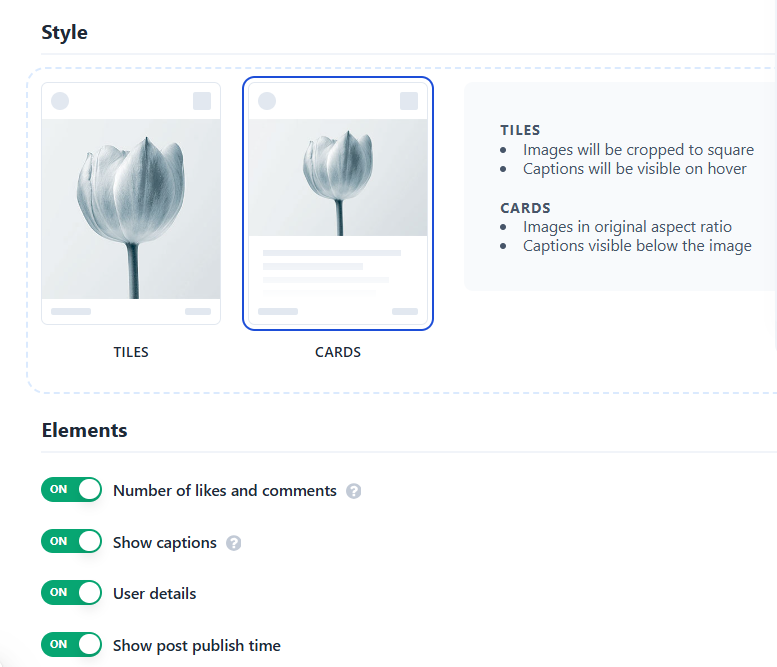
If you select Wall or Grid, you can enable captions under Elements.
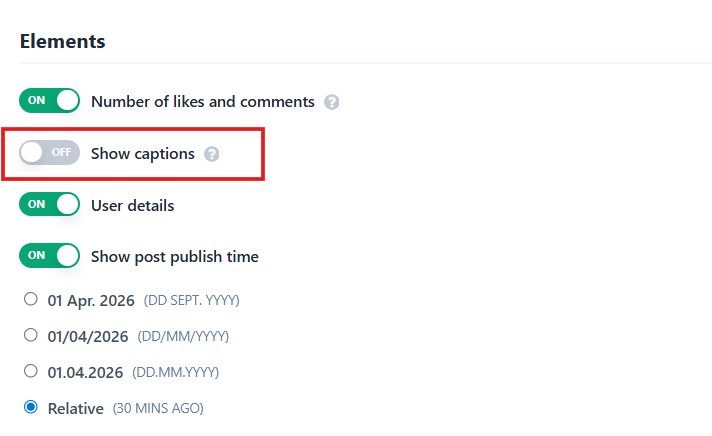
Optional: Hide captions but keep a popup view
If you prefer a clean, text‑free layout but still want visitors to access captions, you can enable the popup view.
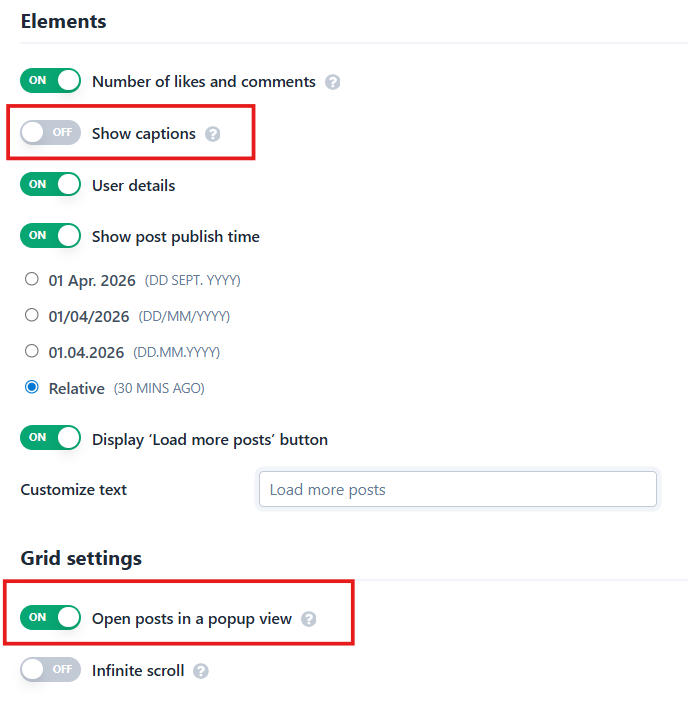
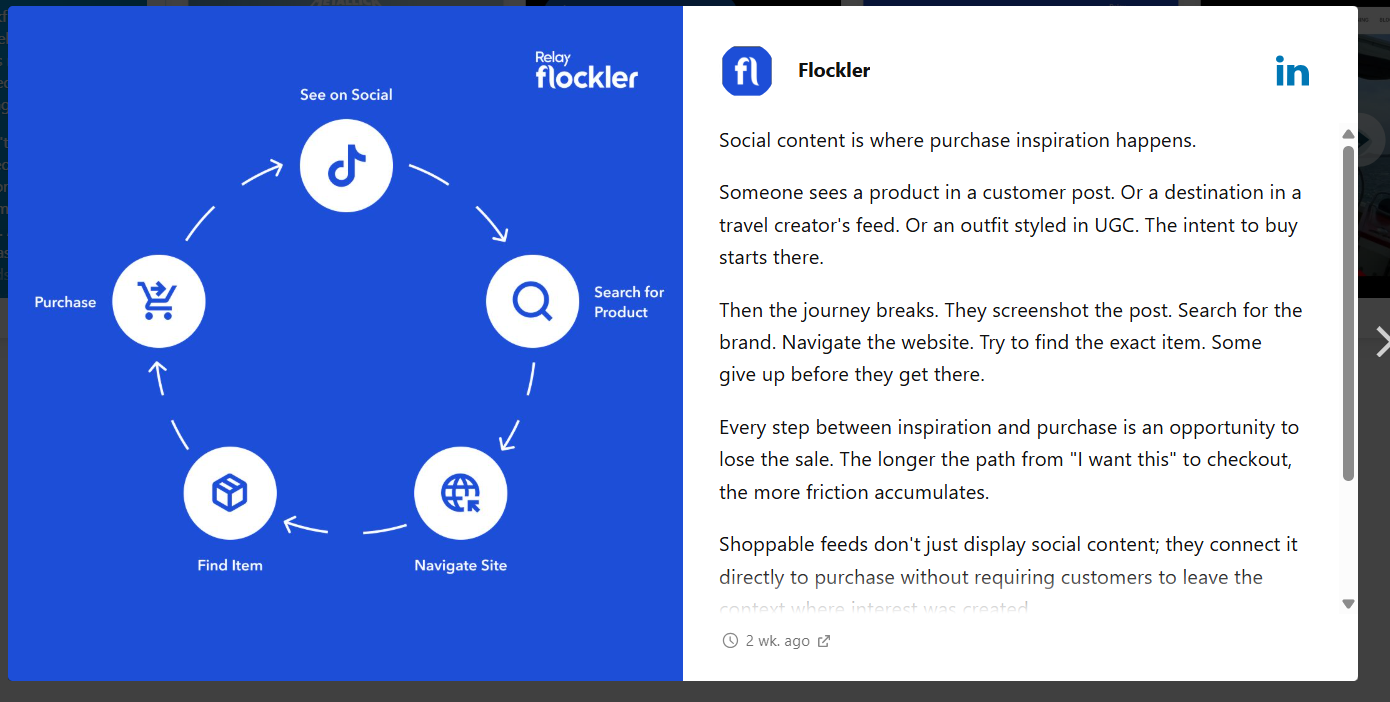
After saving your settings, visitors can click any post to open a full‑screen popup that includes the caption.
🙌 Need a Hand?
Our support team is here for you every step of the way.
💬 You can reach us via Messenger in the bottom‑right corner