
How to create an Instagram hashtag feed?
Creating a live‑updating Instagram hashtag feed takes just a few minutes.
Log in and open the Feeds tab. Select Add a new feed.

Choose Instagram and connect your Facebook account.

Your Facebook account must be an admin of at least one Facebook Page and have an Instagram Business account connected. Both are free to set up. Check how to switch your Instagram account to a Business account here

Select the hashtag you want to display, and choose whether you want to show posts from all accounts or only posts mentioning a specific account

Decide if you’d like to review content before it appears on your website, either manually or with AI assistance, or if the content should publish automatically.

Open the Content tab to manage your posts. Here you can approve content if your feed is moderated manually, add posts yourself, or make edits when needed.

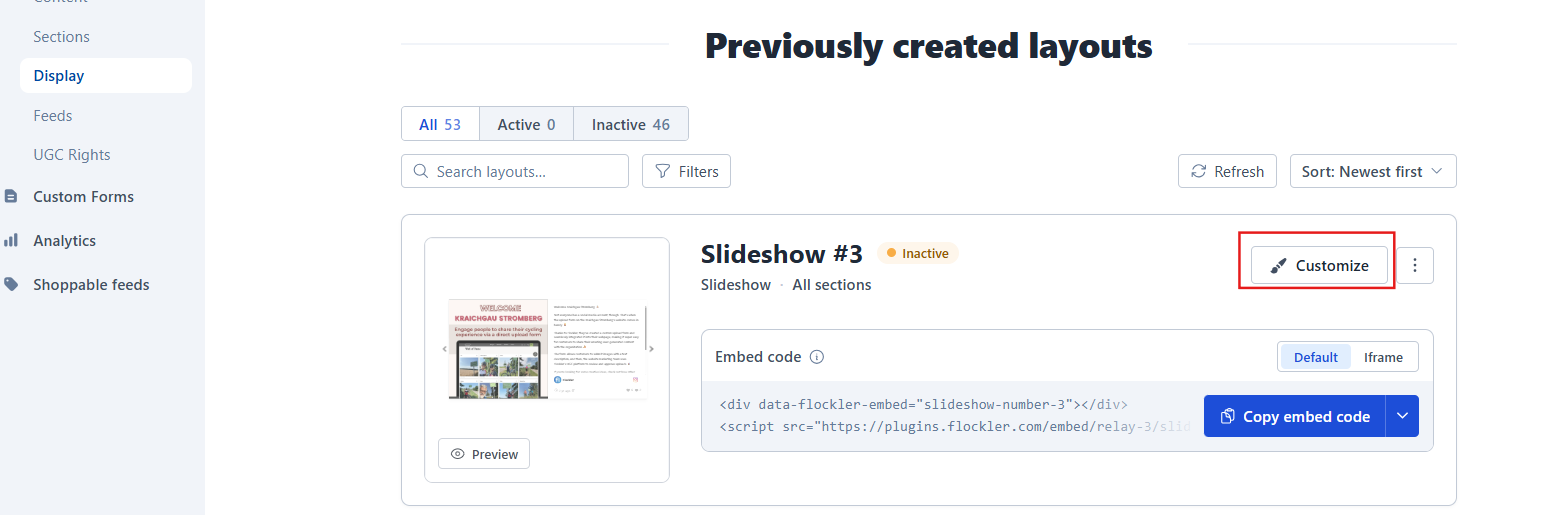
When you're ready to publish, go to Display and choose the layout you want to show on your website or digital screen

All layouts are customizable — just click Customize to fine‑tune the look and behavior.
🙌 Need a Hand?
Our support team is here for you every step of the way.
💬 You can reach us via Messenger in the bottom‑right corner