
How do I reconnect my social accounts?
If you’ve recently changed the password of one of your social accounts — or if you simply need to connect a different account — you can easily reconnect at any time:
Go to your profile by clicking your name in the top‑right corner

Navigate to the social account you want to reconnect.
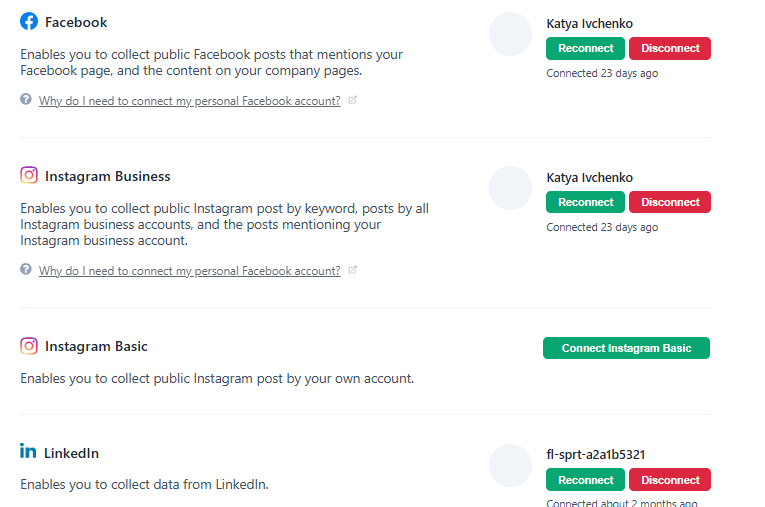
Click Reconnect and follow the steps shown to complete the connection.
🙌 Need a Hand?
Our support team is here for you every step of the way.
💬 You can reach us via Messenger in the bottom‑right corner