
How to link an Instagram account to a Facebook Page
Before getting started, make sure your Instagram account is a Business version. It’s free to use and comes with a lot of audience insights unavailable for a standard user account. If you haven’t turned your profile into Business yet, you can do that from ‘Edit profile.’
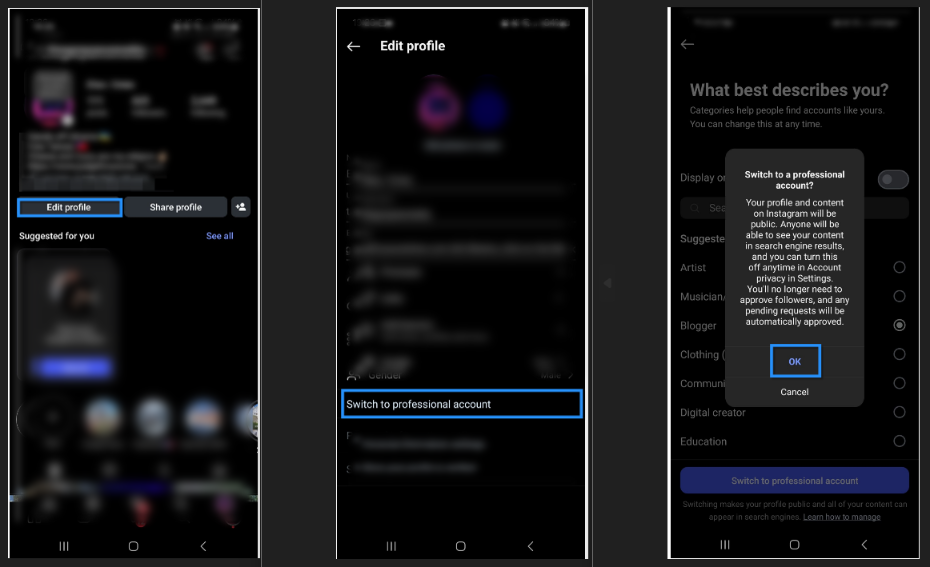
After double-checking that you’ve got a Business account, there are three ways to link it to a Facebook Page:
1. Via the Instagram mobile app
-
Open your Instagram Business profile page, and click 'Edit profile'.
-
Under 'Public business information', click 'Page'.
-
Choose 'Create Facebook Page' or 'Connect an existing Page'. Typically, you’d pick to connect an existing one.
-
From the list, choose a Page that you'd like to connect to (or select 'Create a new Facebook Page').
-
Tap 'Done' after you've finished, and your Instagram Business account is now connected to a Facebook Page.

2. Via Facebook Page Settings (New Pages experience)
-
On Facebook, click your account profile photo in the top right.
-
Click 'See all profiles', then select the Page that you’d like to connect with Instagram.
-
Click your Page's profile picture in the top right of Facebook, select 'Settings & privacy', then click 'Settings'.

-
In the left menu, choose 'Linked accounts' and then 'Instagram'.
-
Click 'Connect account' and follow the instructions to connect your Facebook Page and Instagram Business account.


3. Via Meta Business Suite for desktop
- In Meta Business Suite for desktop, select 'Settings' from the sidebar, and under 'Accounts' select 'Instagram accounts'
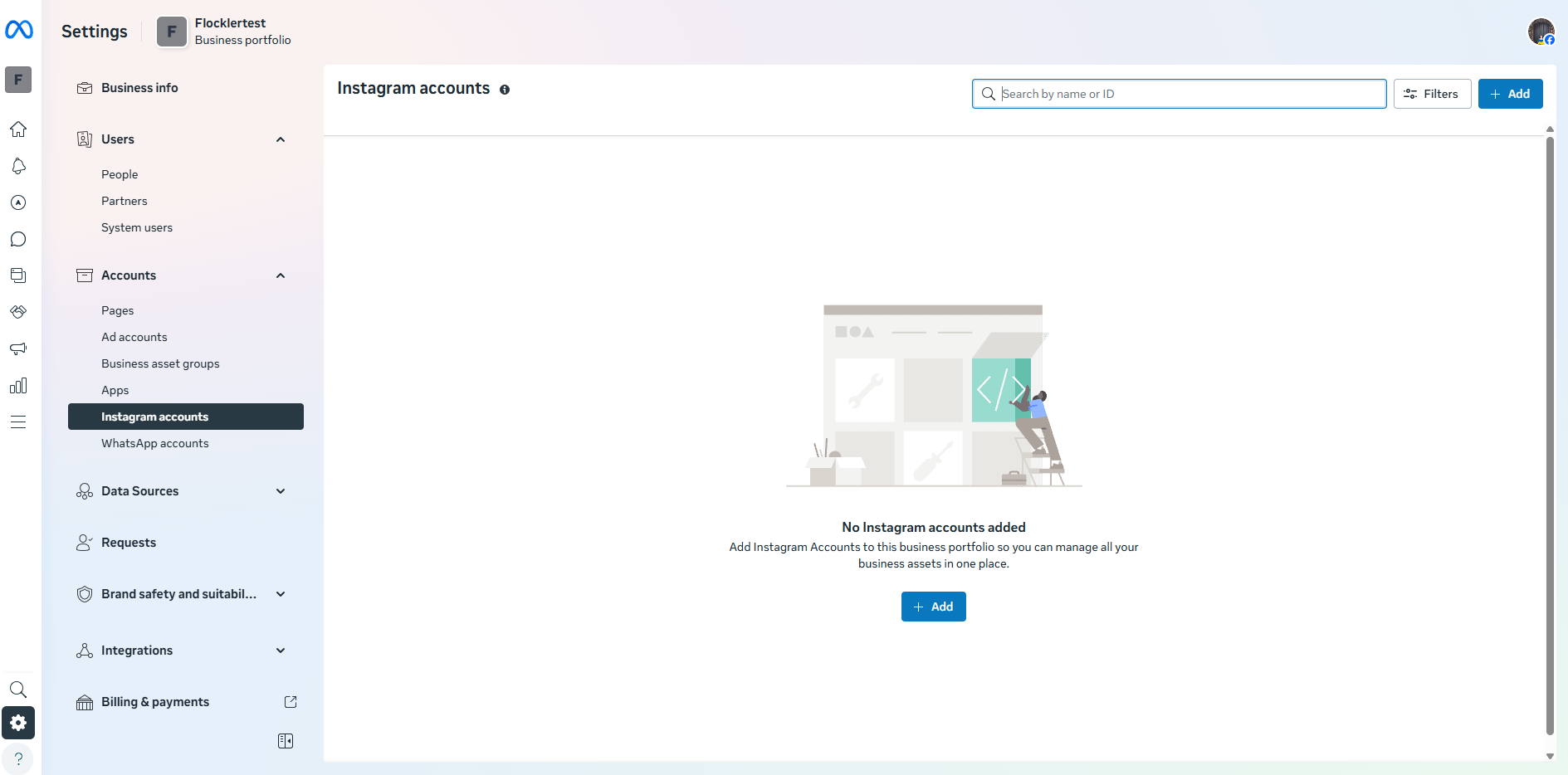
- Click [+Add], then [Add Instagram account]
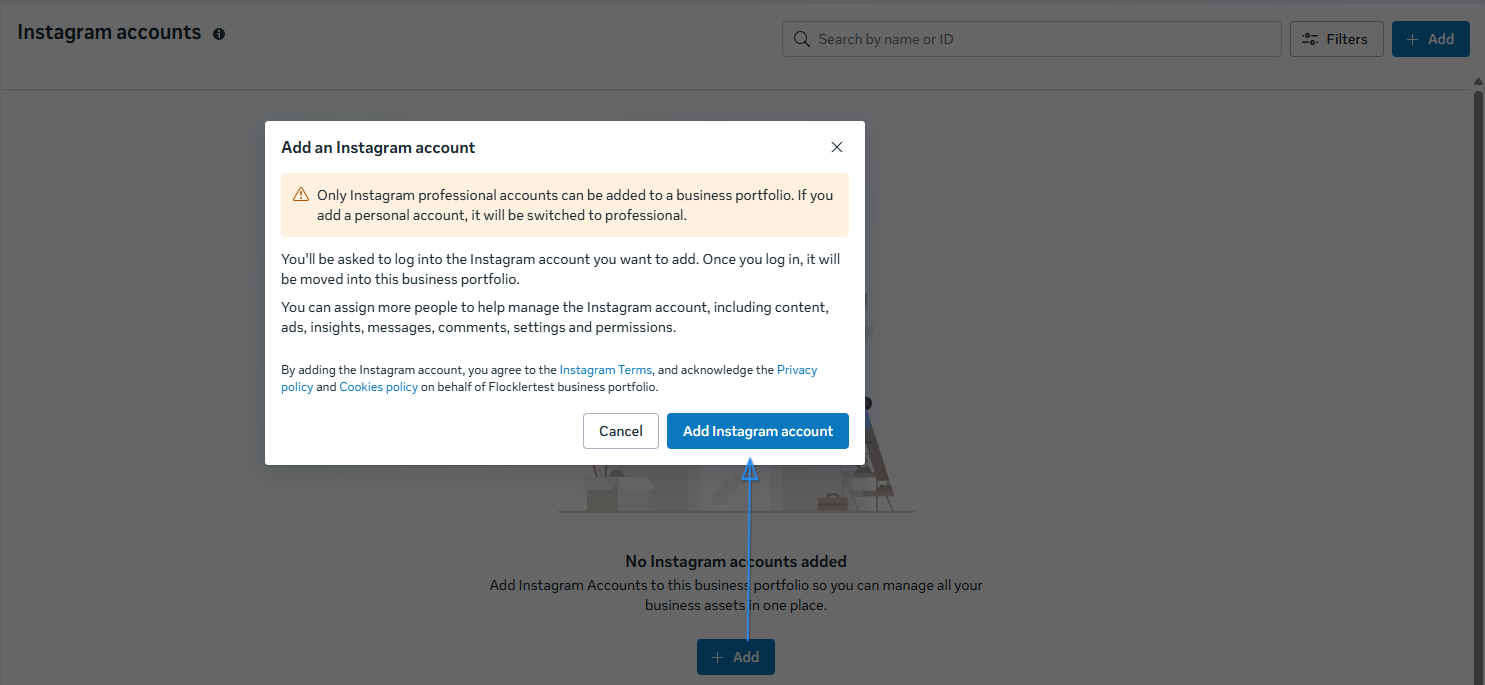
- Log in to Instagram via the login window pop-up
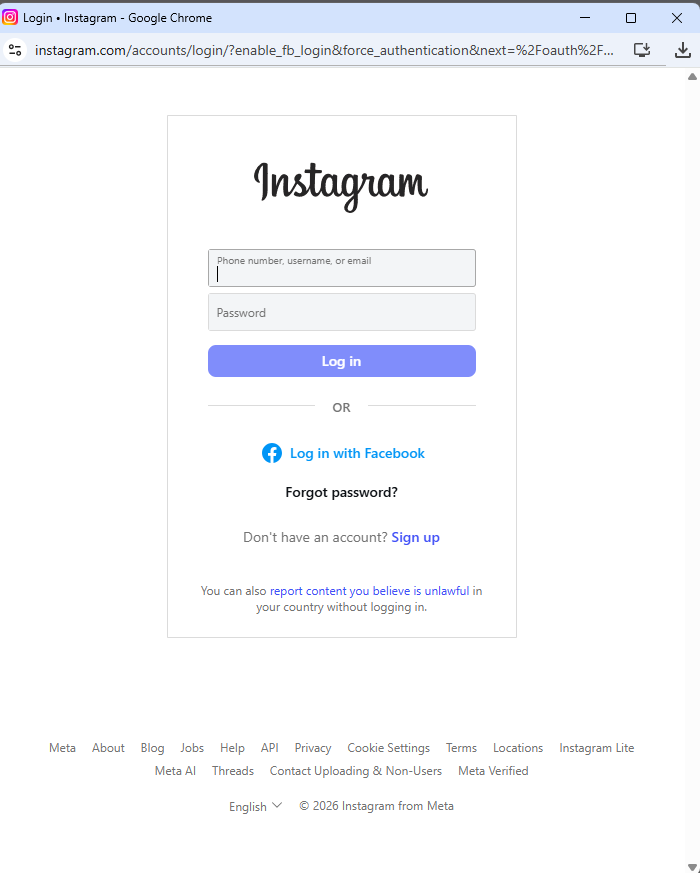
- And confirm to finish the process.
🙌 Need a Hand?
Our support team is here for you every step of the way.
📩 Reach us at team@flockler.com